
How to Add the Same Item to Multiple Boards in monday.com
Can the same item be on multiple boards in monday.com?
Not natively: every monday.com item belongs to exactly one board. To keep the same item on multiple boards, fully editable on each one with one comment thread and its subitems, use a marketplace app such as Same Item on Multiple Boards (SIMB) by Pioneera. If the other board only needs to read a few fields, use monday.com's built-in Connect Boards and Mirror columns (monday.com docs).
Natively, you can:
- Show some of the item's fields on another board, with Connect Boards and Mirror columns.
- Copy it with an automation, which makes a second, separate item.
- Move it, which takes it off the first board.
- View it in a dashboard, which puts nothing new on the board.
monday.com knows about this gap. On the long-running community request "Item lives on multiple boards", a monday.com team member replied that the feature is "not currently on our roadmap" and pointed people to marketplace apps, naming Same Item Multiple Boards first in the list (see the thread).
Which option should I use? The See, Work or Hand off test
We call this the See, Work or Hand off test. Ask one question about the other board: does it need to see the item, work on it, or take it over?
| The other board needs to... | Use | Why |
|---|---|---|
| See two or three fields (status, owner, date) | Connect Boards + Mirror columns | Built in, one source of truth, read-mostly |
| Work on the item (edit it, comment, use its subitems, run its own automations) | SIMB | The item sits on every board, in sync |
| Take it over (a handoff, then the teams go separate ways) | Copy or move automation | The records don't need to match afterwards |
| Only get an overview | A monday.com dashboard | A view, not a place to work |
If even one team answers "work", mirrors and copies will cause trouble later.
Why can't a monday.com item live on more than one board?
Picture a design request. Marketing logs it on the campaign board. The studio needs it on their production board. The account manager wants it on the client's board. Your manager wants it on a master board with everything else that is in flight.
That is one piece of work and four boards. In monday.com it can only "live" on one of them, so teams pick one of three workarounds.
How do I show an item's fields on another board with Connect Boards and Mirror columns?
Connect Boards and Mirror columns are the native way to point at an item from another board.
- Add a Connect Boards column on board B.
- Link each row to the right item on board A.
- Add Mirror columns to show fields like Status or Due date.
What works well:
- It is built in, and there is still only one source of truth.
- monday.com's docs say a change made in a mirrored cell is reflected on the connected board too.
Where it falls short, from monday.com's own Mirror Column article:
- The Updates section (comments) can't be mirrored.
- The item name can't be mirrored.
- You can only mirror a mirror column two levels deep.
- People without access to the source board can't see mirrored values.
- The number of boards one board can connect to depends on your plan: 1 on Basic, 5 on Standard, 20 on Pro and 200 on Enterprise (monday.com linkage limits).
And the item is still only on board A. On board B you have a reference, not a real status column, so Kanban lanes, many automations and forms won't treat it like one.
Use it when: board B only needs to see two or three fields.
Can I copy an item to another board and keep it in sync?
Not with a native copy. A "when an item is created, create an item in another board" style automation gives board B its own item, and it really is its own item:
- The moment someone changes the status on one board, the two stop matching.
- Comments split in two.
- Nobody is sure which version is true.
Use it when: you want a one-time snapshot, such as an archive or a handoff where the first board is done with the work.
How do I add the same item to multiple boards with SIMB?
Install Same Item on Multiple Boards (SIMB) by Pioneera, open the item and share it to the other boards. It stays one linked item:
- Change a status, date, person or any matching column on one board, and every board shows it.
- Updates and replies form one thread, whichever board you open it from.
- Subitems come along and stay in sync.
- The columns on each board are normal monday.com columns, so you can build views, filters and automations on them.
- It works between workspaces in the same account.
SIMB launched in December 2023, carries the marketplace "Best seller" badge and has 9,588 installs and 94+ reviews (public marketplace data, checked October 14, 2026).
How to set it up, step by step
- Install the app. Open SIMB on the monday.com Marketplace and install it for all workspaces.
- Match your columns. A column syncs when it has the same name and the same type on both boards. Names are case-sensitive, so "Owner" and "owner" won't match.
- Open the item you want on another board and click the Same Item Multiple Boards tab.
- Click "Share to another board", then pick the workspace, board and group.
- Check the column preview. SIMB shows which columns will sync and lets you create missing ones in one click. Click Confirm.
- Test it. Change the status on one board and look at the other. Post a comment and check it appears on both. Each person who posts comments authorizes SIMB once so their updates sync.
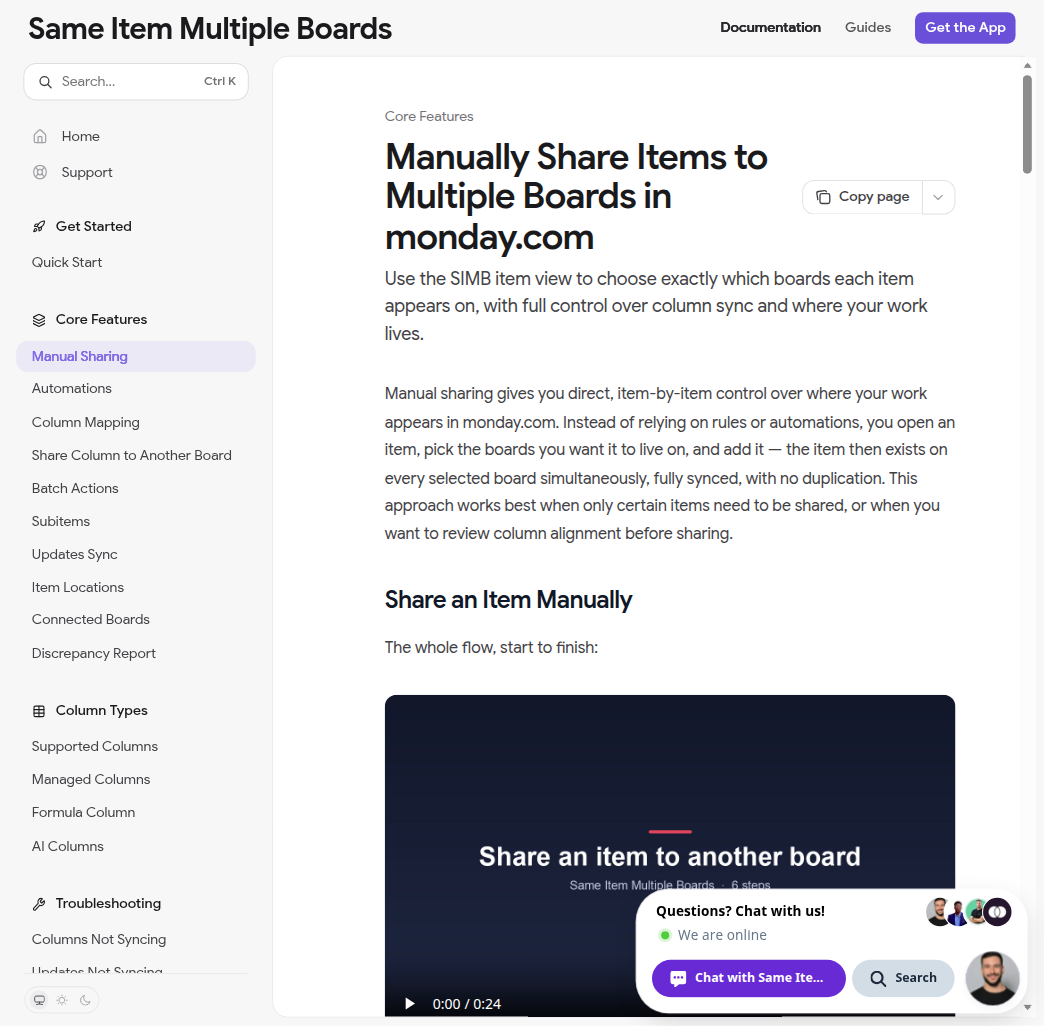
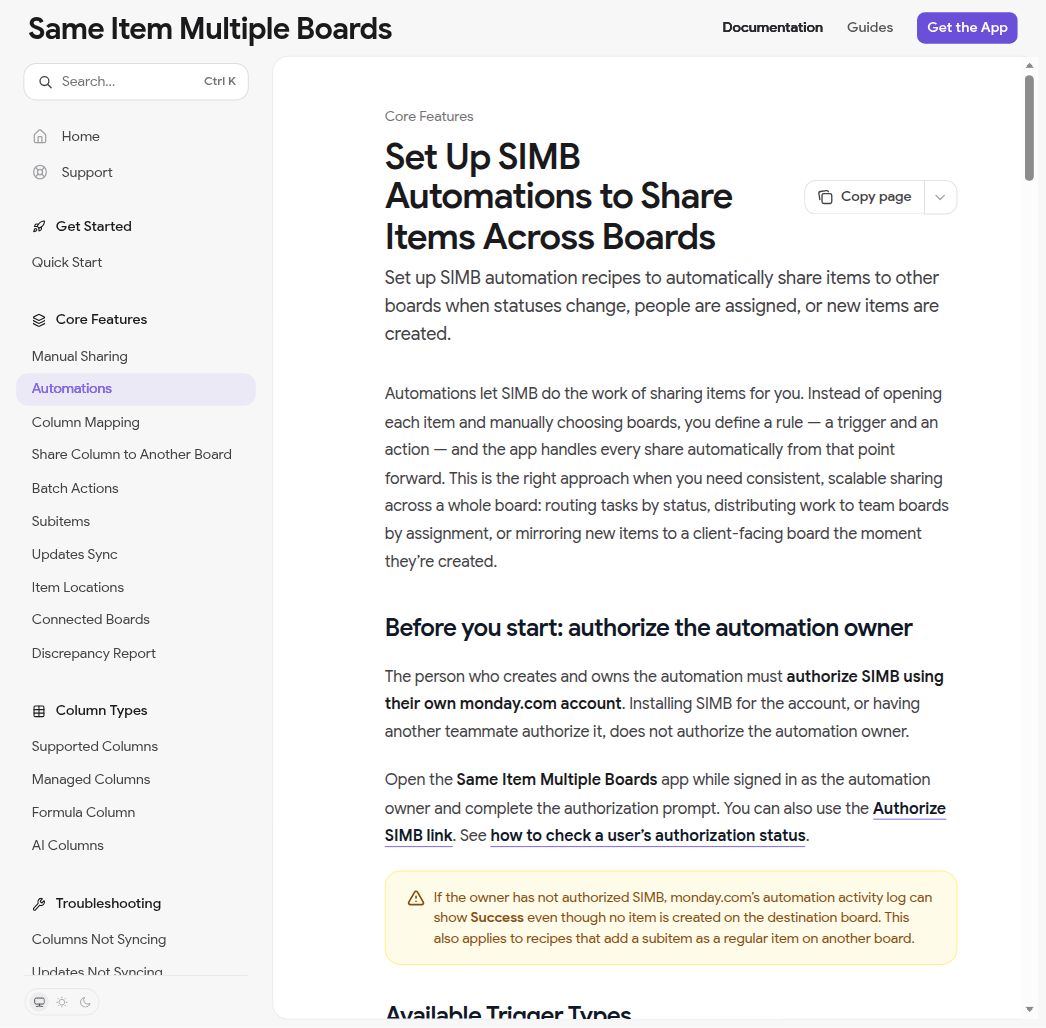
Doing this for lots of items? Select them on the board and share them in one go from the bulk actions bar. Want it to happen by itself? Add a SIMB automation, for example "when Status changes to Approved, add the item to the Studio board".
How do I build a master board from multiple boards in monday.com?
The same steps give you a master board that never goes stale:
- Create one board for the overview.
- On each team board, add an automation that shares items to the master board when they become active.
- Optionally, add a second automation that unlinks them when they are Done. They stay on their home board.
One SIMB customer wrote on the marketplace that it is "a tremendous help when keeping our master email calendar in sync with many separate campaign boards." If people only need charts and totals, a monday.com dashboard is enough.
What SIMB can't do
- Formula, Mirror and Connect Boards columns don't sync.
- A regular board and a multi-level board can't be linked to each other yet.
- Every plan has a limit on shared items and a separate limit on boards.
Connect Boards vs Mirror column vs an app: which keeps the item in sync?
| Connect Boards + Mirror | Copy automation | SIMB | |
|---|---|---|---|
| Item is on both boards | No, board B shows a reference | Two separate items | Yes, linked |
| Edit from either board | Supported mirrored cells | Each copy on its own | Yes, matching columns |
| Comments shared | No | No | Yes, one thread |
| Subitems shared | No | Copied once, then split | Yes |
| Stays in sync | Mirrored fields only | No | Yes |
| Cost | Included in monday.com | Included in monday.com | Free plan, paid from $19/month billed yearly |
Same Item Multiple Boards vs Fortimus Mirror Item: what's the difference?
Both apps do the same job. Mirror Item Multiple Boards by Fortimus is the other app built for it, and it is a good one. SIMB launched first and has over 8x the installs; Mirror Item has no board limit and offers one-way sync per board.
| SIMB by Pioneera | Mirror Item by Fortimus | |
|---|---|---|
| Launched | December 2023 | July 2025 |
| Free plan | 10 items, 3 boards | 5 items, unlimited boards |
| Entry paid plan | Basic: 500 items, 5 boards, $19/month billed yearly ($29 monthly) | Basic: 250 items, unlimited boards, $37/month |
| Board limit | 5 to 50 by plan, unlimited on Enterprise | None |
| Extras | Item Locations column, Discrepancy Report to find and fix sync gaps | One-way sync per board, audit log, more subitem layouts |
| Marketplace | Best seller, 9,588 installs, 94+ reviews | Editor's choice, 1,158 installs, 32 reviews |
| Security and compliance | Pioneera (Alayof Digital Ltd) lists ISO 27001:2022, SOC 2 and HIPAA on its trust center | Runs on monday code, monday.com's own app hosting; Fortimus cites monday code's SOC 2, ISO 27001, GDPR and HIPAA certifications (Fortimus) |
Sources: SIMB pricing, Fortimus pricing, install data from apps-for-monday.com SIMB and apps-for-monday.com Mirror Item, Pioneera trust center, checked October 2026.
On item counting: Fortimus says SIMB counts one item on three boards as three items. SIMB's own pricing docs say each unique shared item counts once, and boards count toward a separate board limit. So in practice, SIMB gives you more items per plan, and Fortimus is usually cheaper when your items need to sit on many boards.
A simple rule: if you share lots of items across a handful of boards, start with SIMB. If you share a small number of items across dozens of boards, or need one-way sync, look at Fortimus. Both have free plans, so test both on your real boards. Our full SIMB vs Fortimus Mirror Item comparison has every detail.
Frequently asked questions
How do I add the same item to multiple boards in monday.com?
Install Same Item on Multiple Boards (SIMB), open the item, click the SIMB tab and choose "Share to another board". It stays one item, in sync on every board. Natively you can only copy it or move it. Step by step: add an item to two boards.
How can I have an item in multiple boards without duplicating it?
Use SIMB. The item is kept as one linked record on every board, so there is no second copy to update by hand. Mirror columns also avoid a copy, but they only show values. Copy automations always create a duplicate.
Do comments and updates show on every board?
Not with Mirror columns, because monday.com can't mirror the Updates section. With SIMB, updates and replies appear on every board the item is on.
Can you mirror subitems to another board in monday.com?
No, mirror columns work at the item level. SIMB brings subitems along with the parent item.
Why don't automations trigger from mirror columns?
The value changes on the source board, so the board showing the mirror never registers a change. Put the automation on the source board, or use real synced columns with SIMB.
Is there a free way to show the same item on multiple boards?
Mirror columns are included in monday.com. SIMB's free plan covers 10 items on 3 boards, and paid plans come with a 30-day money-back guarantee.
Does SIMB charge per user?
No. Every plan is one flat price for the whole monday.com account.
What if I only need a dashboard?
If people just need charts and totals, a monday.com dashboard is enough. If they need to open, edit and regroup the items, use a master board.